Wikilinks
[[Wikilink]]
- A [[wikilink]] is a concept or phrase written in double brackets, for example
[[mean]]or[[frequency table]].- Every occurrence of that concept or phrase across the site is connected.
- Unlike normal Markdown links, wikilinks do not point to one fixed page.
- Wikilinks can appear on many pages, and the site keeps those mentions together.
- Wikilinks are the source that [[pane]], the [[glossary]], [[graphs]], and [[search]] are built from.
- Every occurrence of that concept or phrase across the site is connected.
Syntax
Standard [[wikilink|wikilinks]]
-
On a page, wikilinks look like colored concept links.
-
Wikilinks match by concept, not by exact text:
-
All three of these point to one concept::
-
-
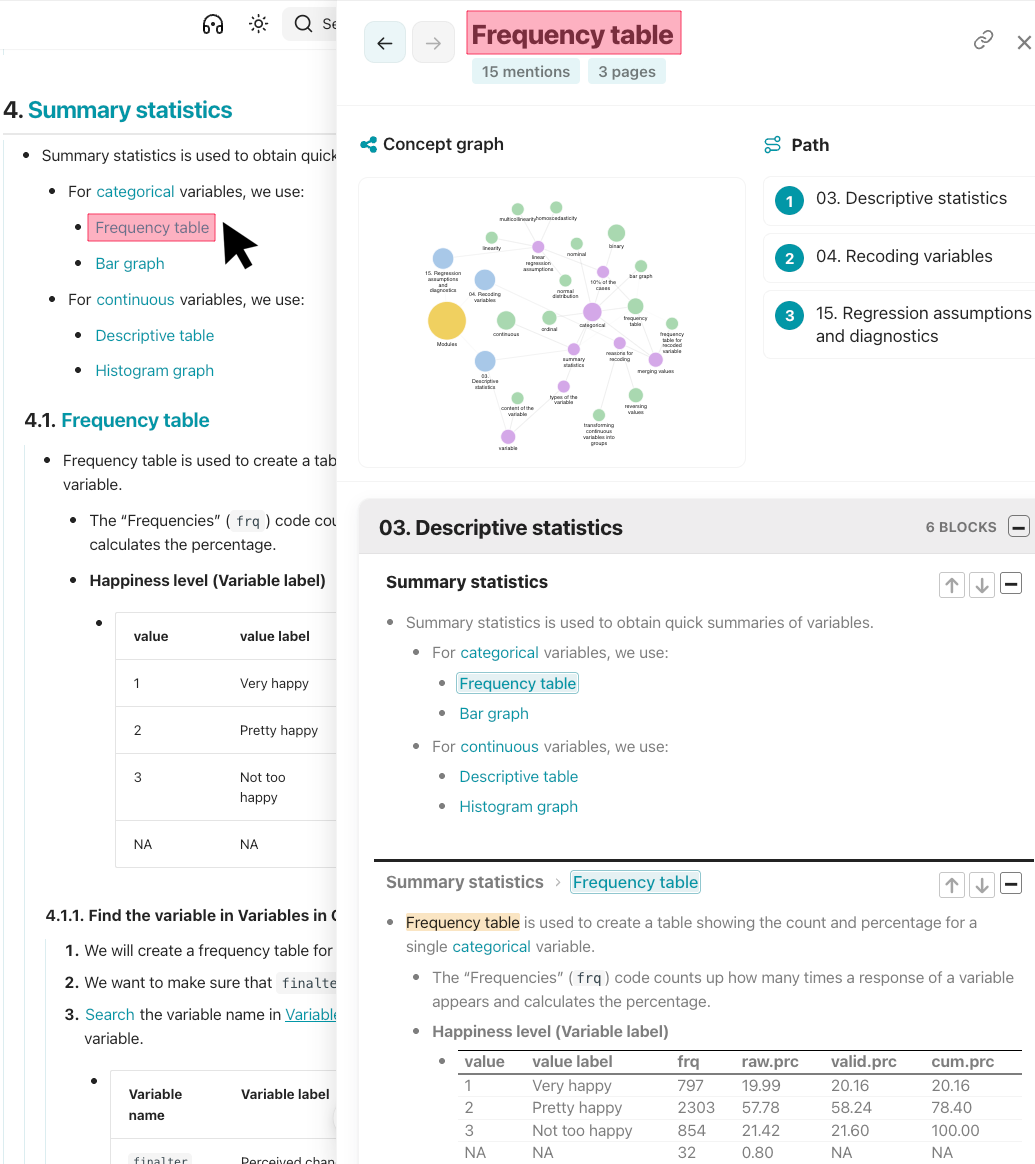
Clicking a wikilink opens the [[pane]].
-
Link selectively #tip
- If every concept is a wikilink, none of them stand out.
- Wikilink only the terms that should appear in the pane and graphs.
- If every concept is a wikilink, none of them stand out.
[[Alias]] links
- An alias allows visible wording to change without creating a second concept.
-
Write the concept before the pipe character,
|, and the visible words after it: -
Why use aliases #tip
- Grammar: singular vs plural, “table” vs “tables.”
- Wording: a longer or shorter phrase that still means the same idea.
- Abbreviations:
[[standard deviation|SD]]without a separate[[SD]]concept.- The alias is display-only.
- It does not create a new wikilink, glossary entry, or graph node.
- The alias is display-only.
[[Reference]] links
- Use
refafter the pipe character,|, to mark a wikilink as a reference rather than a causal mention. -
The same concept can be marked with
|refin more than one place; each reference becomes a separate card. -
When to use references: procedural reminders #tip
- Suppose a guideline explains how to save a file or take a screenshot of a graph, and reminders to follow that guideline appear on many pages.
- When users click
[[save your file]]or[[take a screenshot]], the pane should show the relevant guidelines rather than every casual mention of those phrases.- A standard wikilink adds every mention to the pane and graphs.
- A reference shows only the pages where the concept is marked with
|ref.
Wikilinks #settings
-
Wikilink colors are customized in [[zensical.toml]] file.
-
- Line 2: Wikilink color in light mode.
- Line 3: Wikilink color in dark mode.
-