Glossary
Glossary
- The [[glossary]] is a site-wide list of every concept, generated from the [[wikilink|wikilinks]].
- A new wikilink concept appears in the glossary on the next build.
[[Glossary views]]
- [[By page]]
- [[Alphabetical]]
- [[By importance]]
-
View Groups concepts by Good for By page The page where the concept first appears Reviewing one topic Alphabetical A to Z Looking a term up By importance Most to least Looking most used concepts
[[By page]] view
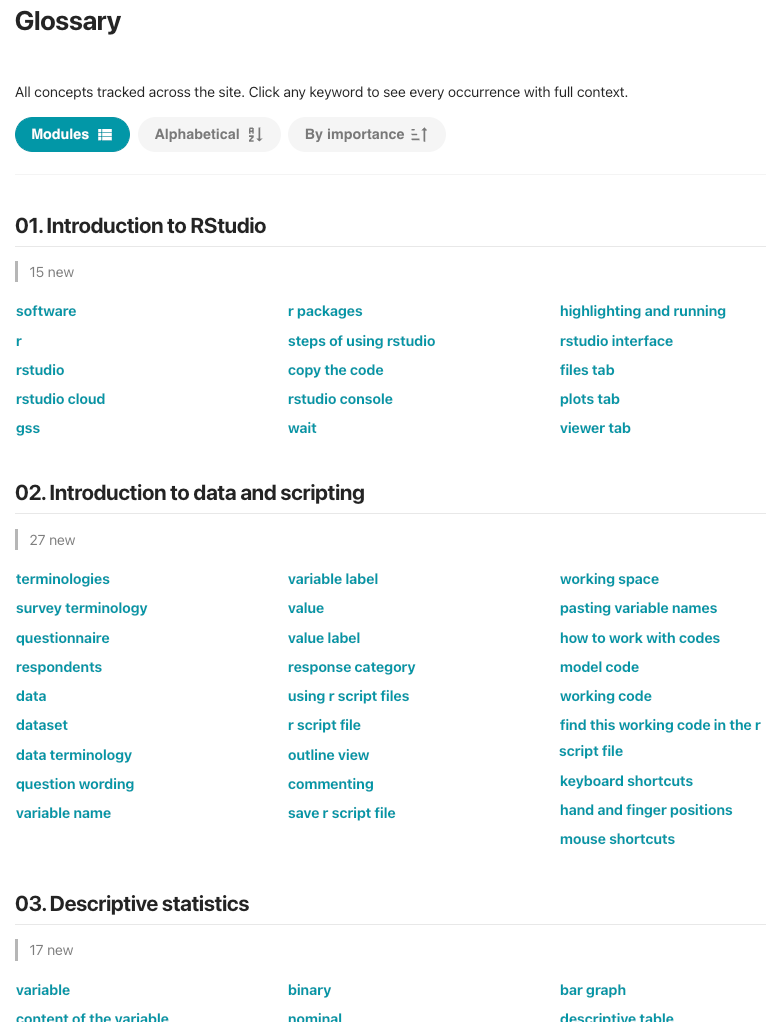
- This view also shows recurring concepts in a different color
- This view also shows recurring concepts in a different color
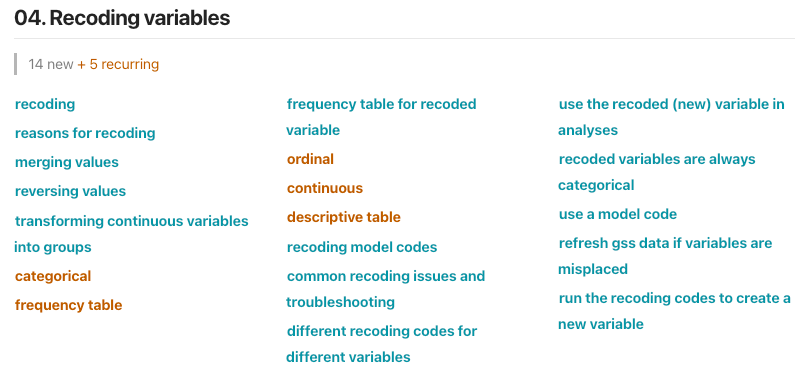
[[Alphabetical]] view
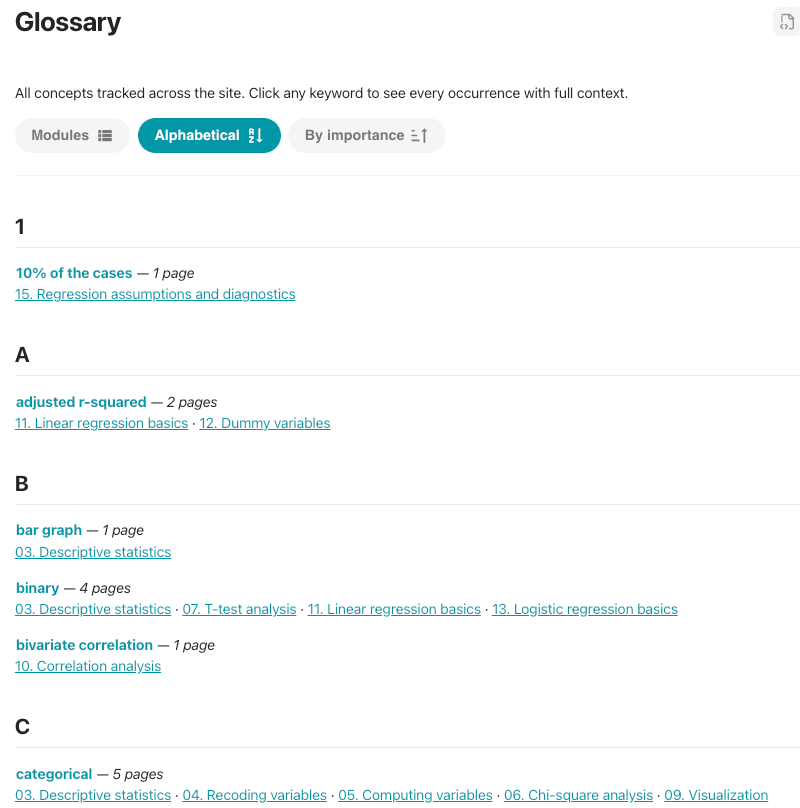
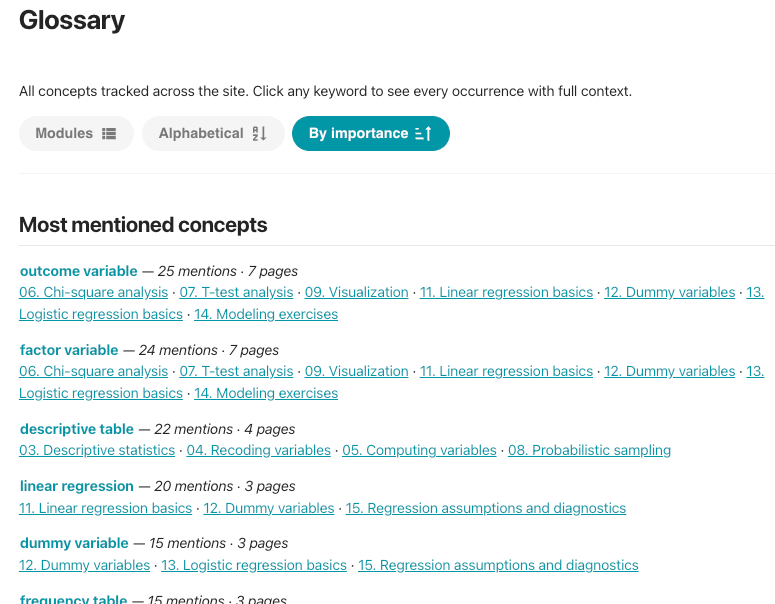
[[By importance]] view
Glossary #settings
-
Glossary is customized in [[zensical.toml]] file.
-
- Line 2: Default is
true.falseturns the glossary feature.- When enabled, Knotis generates a
glossary.mdpage.
- When enabled, Knotis generates a
- Line 3: Starting view:
alphabeticalorby_page. - Line 4: Label on the by-page view button.
- Line 5: Skip concepts that appear only on these paths.
- Line 6: In the by page view, sections or pages are ordered.
- Line 2: Default is
-